Configure Policies
Portworx Backup provides you with the ability to create and manage policies for backups. These policies help ensure your applications and volume resources are backed up based on defined rules and schedules. You can manage both types of policies from the Policies page in the Portworx Backup web console, which organizes them into dedicated tabs for easy access.
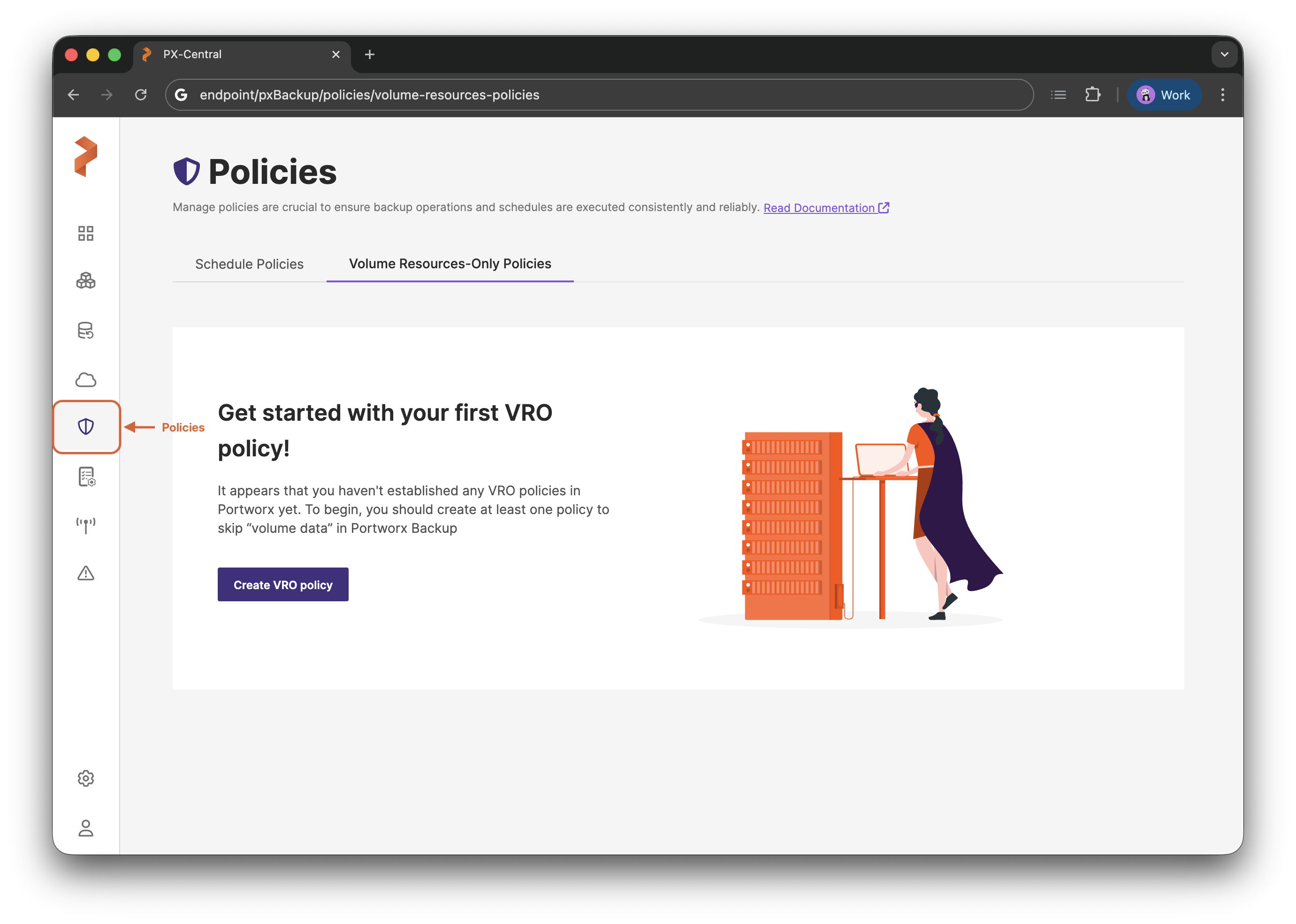
Portworx Backup provides two types of policies, each helping you manage different aspects of your backup operations:
Schedule Policies
Schedule policies help you set up regular backup intervals. They define when a backup runs and how long it is retained.
Portworx Backup provides the following scheduling frequencies:
- Periodic: Runs backups at fixed time intervals (for example, every 15 minutes or every 4 hours).
- Daily: Runs backups once every day at a specific time.
- Weekly: Runs backups on specific days of the week. You can configure this to run every week or on a bi-weekly basis.
- Monthly: Runs backups on a monthly basis. You can schedule this for a Specific Date (for example, the 15th of every month) or a Relative Date (for example, the first Sunday of every month).
Additionally, schedule policies can be categorized based on immutability:
- Locked Schedule Policy: Creates backups with Object Lock enabled.
- Unlocked Schedule Policy: Standard policies without immutability restrictions.
Volume Resource-Only Policies
The Volume Resource-Only Policy (VROP) allows you to define rules to specify which volumes to exclude from data backup based on volume types (NFS, CSI, Portworx Volumes), labels, or provisioner details. This ensures the resource configuration and metadata of the selected volume types are backed up, not the underlying data, while remaining volume types undergo full data backup.
This approach is ideal when the volume data is:
- Already preserved through external mechanisms.
- Still intact on the storage layer and does not require duplication through backup.
- Only the configuration and metadata of the volume resources are needed for recovery or migration purposes.
Schedule Policies
Learn how to create and configure schedule policies in Portworx Backup to automate regular backup operations. This guide covers both locked and unlocked schedule policies, retention settings, time zone configuration, and schedule types including periodic, daily, weekly, and monthly backups.
Create and Manage Volume Resource-Only Policies
Learn how to manage Volume Resource-Only Policies in Portworx Backup, including how to create, edit, share, and remove policies.